If you are a business in Kolkata or elsewhere in West Bengal preparing product packaging, choosing the right type of QR code can influence how effectively you engage customers and manage updates. When product details, instructions, or promotional content might change after printing, selecting a QR code that allows flexibility can help avoid costly reprints and ensure your customers always access the latest information.
Often, packaging artwork is approved and printed well before all product details are finalized. If instructions or warranty information need updating soon after printing, static QR codes—which embed a fixed URL—require new codes and reprinting. Dynamic QR codes offer a practical alternative by enabling you to update the linked destination without changing the printed code, provided you use a dependable QR management platform.
A dynamic QR code works by linking the printed pattern to a managed URL that can be changed as needed. This makes dynamic QR codes particularly useful for product packaging, but it is important to understand what can be updated, the ongoing dependency on the QR service, and how these codes differ from EAN-13 retail barcodes commonly used in Indian markets.
What is a dynamic QR code?
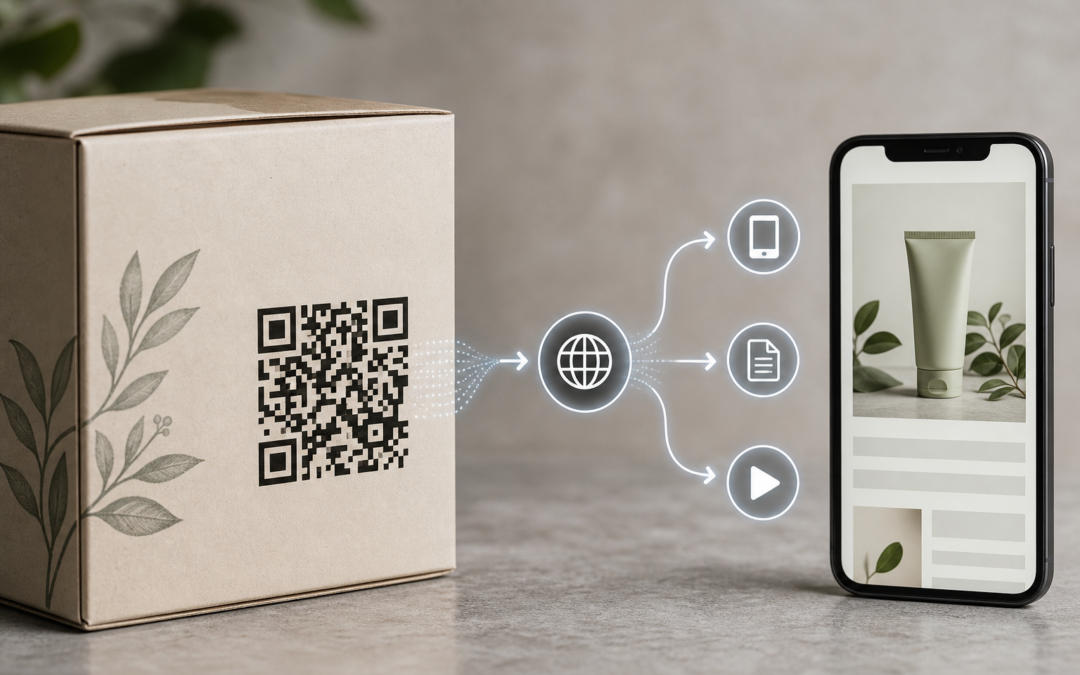
A dynamic QR code connects to an editable destination. When scanned, the code directs the customer first to a managed URL, which then redirects them to the current webpage chosen by the business.
Unlike static QR codes, the printed pattern usually does not contain the final webpage address directly. Instead, it points to a managed link, allowing the destination to be changed later without altering the printed QR artwork.
For instance, consider a packaged appliance with a QR code linking to an installation guide. If the guide is updated, the business can change the destination URL in its QR management dashboard, so future scans lead to the new guide while the printed code remains unchanged.
How dynamic QR codes work: the scan journey
The scanning process involves several steps, though it happens almost instantly from the customer’s perspective:
- The customer scans the printed QR code. A smartphone camera or QR reader recognizes the code.
- The device opens the managed QR link. This is the permanent or controlled URL encoded in the printed code.
- The QR management system checks the current destination. It looks up the destination URL saved for that QR code.
- The visitor is redirected. The customer is taken to the selected webpage, such as a product guide, catalogue, or menu.
- The scan may be recorded. Depending on the QR platform and subscription plan, the business can review scan activity data.
The key distinction is between the printed QR link and the destination URL. The destination can be updated, while the printed link remains constant as long as the dynamic QR service is active.
Static QR code versus dynamic QR code
Both types direct customers to online information but suit different packaging needs.
| Point | Static QR code | Dynamic QR code |
|---|---|---|
| Destination | Fixed in the printed code | Managed through a redirect |
| Can the link change after printing? | No | Yes, if the service remains active |
| Reprinting after webpage change | Usually required | Often avoidable |
| Management | No dashboard needed | Requires account and management system |
| Ongoing dependency | Minimal | Depends on QR management service and terms |
Static codes are suitable when the destination is permanent and packaging has a short lifespan. Dynamic codes are advantageous when packaging remains in use for extended periods or when linked information may change.
Why use dynamic QR codes on product packaging?
Packaging is often printed before all digital content is finalized. Dynamic QR codes provide flexibility to update information after production.
Update product information without changing the printed code
If a product guide moves or a support page is reorganized, the business can update the destination URL without reprinting packaging.
Keep one package useful across multiple campaigns
Dynamic QR codes allow the same packaging to link to different content over time, such as switching from usage instructions to a seasonal promotion.
Reduce avoidable reprinting
Reprinting packaging solely due to a webpage address change may be unnecessary when using dynamic QR codes. However, reprinting remains necessary if physical packaging information changes or legal requirements are updated.
Manage several packaging links centrally
Businesses can name each QR code clearly and manage destinations from a single dashboard, improving organization and control.
Review scan activity
Some platforms offer scan analytics, which can provide insights into customer engagement. However, scan counts should be interpreted cautiously as they do not directly measure sales or customer satisfaction.
What can a QR code on packaging link to?
Choose destinations that answer customers’ immediate questions after scanning. Avoid generic homepages that require further searching.
- Product instructions or installation guides
- Demonstration or usage videos
- Warranty registration or support pages
- Current product catalogues
- Recipes or serving suggestions for food items
- Care instructions for clothing or household goods
- Technical specifications for electronics or industrial products
- Product information pages or FAQs
- Campaign pages, offers, or event details
For example, a spice packet might link to recipes, while an electronic accessory could link to setup instructions. Ensure linked pages are accurate and appropriate for the product.
Dynamic QR codes do not replace EAN-13 barcodes
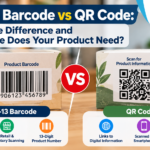
This distinction is critical for packaging decisions. An EAN-13 barcode and a dynamic QR code may appear on the same product but serve different functions.
An EAN-13 barcode is a product identifier used in retail, inventory, and supply chain systems. Scanning it retrieves product information from a database.
A dynamic QR code connects customers to online content such as guides or promotions. It is intended for customer interaction rather than product identification.
Do not substitute a dynamic QR code for an EAN-13 barcode when retailers or marketplaces require a specific product identifier. Similarly, an EAN-13 barcode does not provide direct access to digital content.
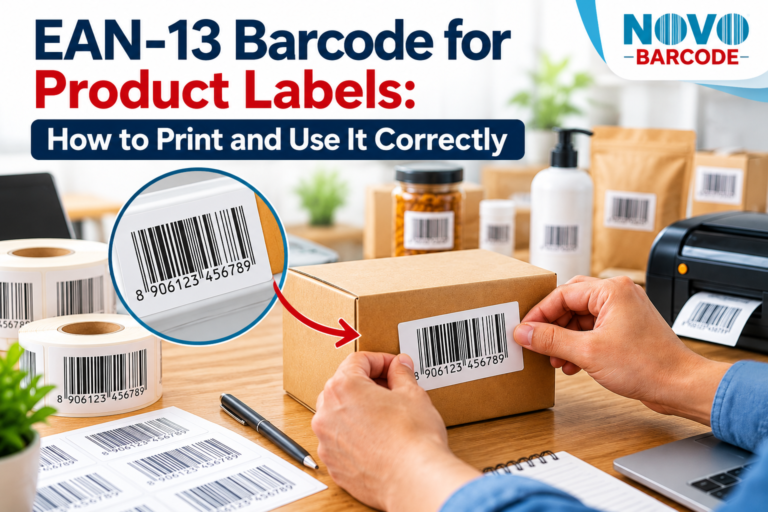
Many products require both: EAN-13 for retail scanning and dynamic QR for digital engagement. Before printing, verify the requirements of your retailers and sales channels. For guidance on EAN-13 barcode size and placement on product packaging in India, including West Bengal, see the detailed EAN-13 Barcode Size & Placement on Product Packaging | India Guide.
How to prepare a dynamic QR code for packaging
Begin the technical process before finalizing packaging artwork.
- Define the customer purpose. Determine what the scan should help the customer achieve or learn.
- Prepare the destination page. Ensure it is mobile-friendly, reliable, and relevant to the product.
- Create the dynamic QR link. Assign a meaningful internal name and enter the current destination URL.
- Download suitable artwork. Obtain print-ready files (e.g., PNG, SVG) compatible with the designer’s workflow.
- Place the code in the packaging design. Avoid folds, seams, curves, busy graphics, or damaged areas.
- Add clear instructions. Use phrases like “Scan for product instructions” to encourage scanning.
- Print and test a physical sample. Test scanning on the actual material, size, finish, and position.
- Approve the production run. Keep records of the code name, permanent link, destination, and packaging version.
Using a QR management platform such as NovoBarcode QR Studio can streamline link creation, artwork download, destination editing, and scan tracking. Review the platform’s features, plan limits, and terms before relying on it for long-term packaging.
What to check before printing thousands of packages
Scanning a QR code on a screen is not enough. Verify these points on a printed sample:
- Contrast: Ensure clear contrast between the QR pattern and background.
- Clear margin: Leave sufficient empty space around the code to avoid interference.
- Size: Make the code large enough for typical scanning distances and print quality.
- Surface: Consider how glossy, metallic, transparent, textured, or curved materials affect scanning.
- Distortion: Avoid stretching the QR code unevenly to fit design constraints.
- Placement: Keep the code away from folds, seams, corners, or areas covered by labels.
- Mobile experience: Test scanning with multiple phones under normal lighting conditions.
- Destination accuracy: Confirm the linked page matches the correct product, pack size, and version.
Also test the code after packaging assembly, as folding, sealing, or labeling may affect scanability.
What happens if the destination changes?
Changing the destination is a key advantage of dynamic QR codes. The business updates the destination URL in its management dashboard without altering the printed code, so future scans lead to the new page.
For example, if 10,000 labels link to Guide Version 1 and the guide is updated to Version 2, the destination can be changed in the QR system without reprinting labels.
However, this depends on the QR management service remaining active and accessible. If the service is paused, canceled, or changed, the redirect may not function as expected. For critical product information, maintain control over the destination page and QR account rather than relying on temporary or third-party accounts.
Common mistakes with dynamic QR packaging
Using the code without a useful destination
Linking to a generic homepage can frustrate customers. Direct the QR code to the specific information promised.
Assuming dynamic means permanent
Dynamic means editable via a managed redirect but does not guarantee indefinite service without an active account or subscription.
Forgetting to test after editing
Always scan and verify the destination after any change to ensure the correct page loads and links work.
Printing the QR code too late
Adding the QR code after artwork completion often results in insufficient or unsuitable space. Reserve space early in the design process.
Using a QR code where a retail barcode is required
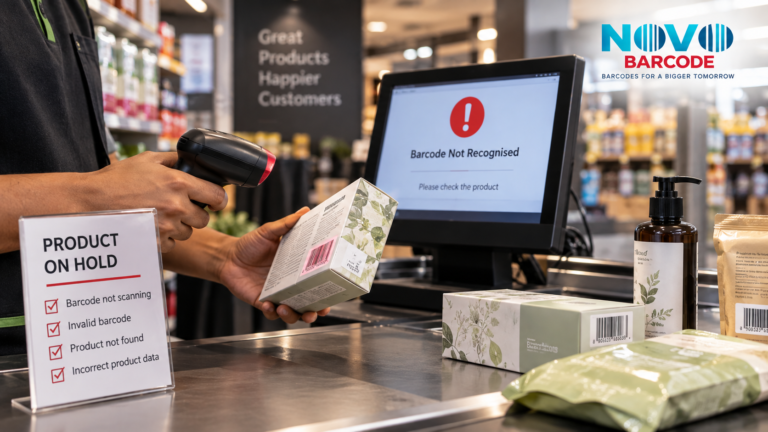
QR codes and retail barcodes serve different purposes. Confirm sales channel requirements before replacing or omitting an EAN-13 barcode.
Measuring scans as sales
Scan counts indicate link visits but do not directly measure purchases or customer satisfaction.
When should a business choose a dynamic QR code?
Consider dynamic QR codes when packaging will be used for extended periods, linked information may change, multiple campaigns share the same packaging, or centralized link management is desired.
Static QR codes may suffice when the destination is stable, packaging lifespan is short, and editable destinations or scan reporting are unnecessary.
Base the decision on packaging longevity and the cost of not being able to update information. Choose dynamic QR codes when their flexibility addresses real packaging challenges.
Conclusion
Dynamic QR codes enable businesses in Kolkata and West Bengal to maintain up-to-date digital content linked to product packaging without reprinting codes. By separating the printed code from the final webpage, companies can update instructions, catalogues, support pages, or campaigns as needed.
Successful implementation requires deciding the customer’s intended access, preparing mobile-friendly destinations, testing physical samples, and maintaining clear records of codes and accounts. It is also important to understand the duration the QR service must remain active, especially for products with long market presence.
Before printing packaging, clearly define the role of each code. Use dynamic QR codes for changeable digital information and EAN-13 barcodes for product identification as required by inventory or retail systems. This distinction helps avoid the common mistake of expecting a single scannable pattern to fulfill multiple incompatible roles.
Continue Reading: EAN-13 Guides
Explore practical guides for product identification, packaging and retail preparation.