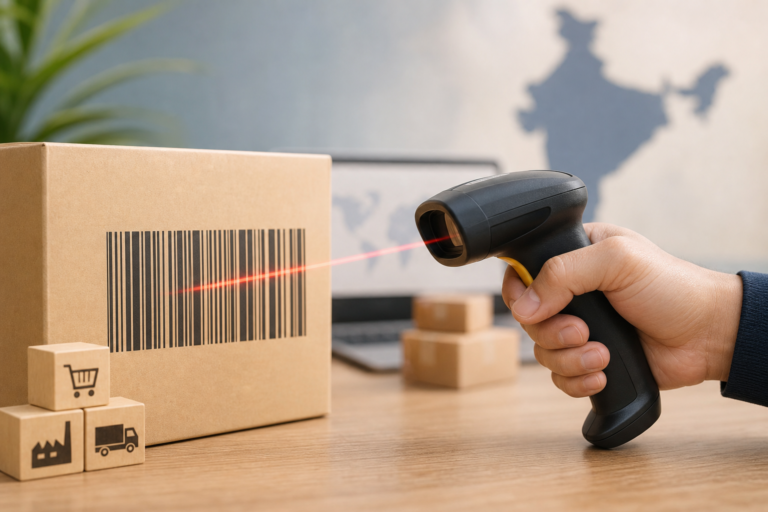
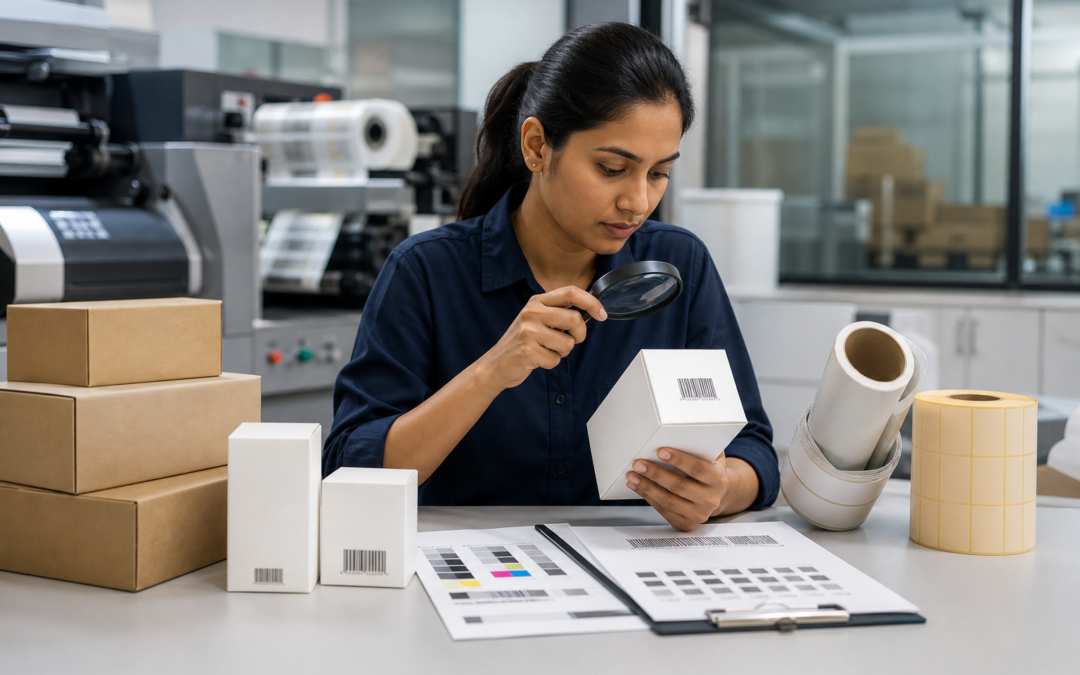
If you are a manufacturer or brand owner in Kolkata or elsewhere in West Bengal preparing to launch a product, ensuring your packaging includes a correctly implemented barcode is essential for smooth retail and supply chain operations. Barcode placement and quality can significantly affect scanning reliability at local markets, supermarkets, and online platforms serving the region.
The printer is ready, the packaging artwork looks polished, and the barcode has been placed in a small open space near the back panel. Then the first sample arrives. The barcode is too small, the number belongs to another product variant, or the symbol sits across a fold that makes scanning unreliable.
These problems are expensive because they are discovered after the design, labels or cartons have already been approved. Preparing product packaging for barcode printing is not only about inserting a black-and-white image into an artwork file. It involves confirming the product identity, reserving suitable space, protecting the barcode during printing and testing the finished package in realistic conditions.
This guide explains the process for manufacturers, private-label brands, retailers, startups and online sellers in India. The aim is simple: make the barcode part of the packaging plan early enough that you can correct problems before mass production.
Start with the product, not the artwork
Before asking a designer to place a barcode, confirm exactly which product the barcode will identify. A barcode is connected to a particular sellable product or product configuration. It should not be treated as a general code for the entire brand.
Create a product master sheet with at least these fields:
- Brand and product name
- Variant, flavour, colour, model or formulation
- Net quantity, size or pack weight
- Internal SKU
- Barcode number
- Packaging level, such as individual unit, multipack or carton
- Sales channels and intended scanning environment
- Packaging artwork version
For example, a spice brand may sell turmeric powder in 100 g, 250 g and 500 g packs. Although the product name is similar, the pack sizes are different sellable configurations. They should be reviewed separately when assigning product identification.
Similarly, a clothing business may have one T-shirt design in three colours and four sizes. If those variants are separately sold and managed, the business should not assume that one barcode can represent all of them.
Confirm what type of identifier your sales channel requires
EAN-13 describes a barcode symbol format used to represent a 13-digit product identifier. It does not, by itself, prove that the underlying number was issued through GS1. A GS1-issued GTIN and an independently supplied EAN-13 number are different matters, even if the printed symbols look similar.
Before purchasing or assigning a barcode, ask where the product will be sold and who will scan or validate it. Consider:
- Local retail shops and billing systems
- Supermarkets or organised retail
- Distributors and warehouses
- Amazon, Flipkart, Meesho or another marketplace
- Your own website or direct sales process
- Export buyers or overseas retail partners
If a retailer, marketplace, distributor or export buyer specifically requires a GS1-issued GTIN, follow that requirement. An independently supplied barcode should not be described as GS1-licensed or assumed to be accepted by every platform.
A barcode that scans successfully can still be rejected if the receiving organisation checks the identifier’s source, ownership or product data. Confirm the current requirement with the specific trading partner before printing packaging.
Decide whether the package is a consumer unit, multipack or carton
Packaging hierarchy affects barcode planning. A single bottle sold to a customer is not necessarily the same trade item as a three-bottle retail pack or a 24-unit shipping carton.
| Packaging level | Example | Planning question |
|---|---|---|
| Consumer unit | One 500 ml bottle | Will this be scanned and sold individually? |
| Retail multipack | Three bottles sold as one pack | Does the complete pack have its own price, stock record or product listing? |
| Shipping carton | Twenty-four bottles for distribution | Will a warehouse or distributor scan the outer case separately? |
Do not simply copy the barcode from the individual unit onto every outer package. First determine what each package represents, who will scan it and where it will move in the supply chain.
This is especially important for gift sets and combo packs. A face wash and moisturiser may have separate identifiers, while a boxed combination sold as one item may need separate planning. The word “free” or “promotional” does not automatically remove the need to assess the complete package.
Reserve barcode space before the design is finalised
The most common packaging mistake is leaving the barcode until the end. Once the logo, product photograph, ingredients, claims, usage instructions and legal information have filled the artwork, the barcode is squeezed into whatever space remains.
Reserve a barcode area during the first packaging layout. Tell the designer that the area must remain:
- Large enough for the selected symbol size
- Free from surrounding text, borders and decorative graphics
- Accessible to a scanner
- As flat as possible on the finished package
- Protected from folds, seams, corners and likely damage
The barcode should not be treated like an ordinary image that can be stretched or compressed to fit a design box. Its proportions, bar widths and clear space affect readability.
Keep the quiet zone clear
The blank area on both sides of an EAN-13 barcode is called the quiet zone. It helps a scanner identify where the symbol starts and ends. Do not place a border, product claim, logo, text or another code immediately beside the bars.
A barcode can look acceptable to a person while still being difficult for a scanner if the quiet zone is crowded. This problem often appears on small labels and narrow pouches where the design has been compressed.
Choose the packaging surface carefully
The same barcode artwork may perform differently on a cardboard box, glossy pouch, curved bottle or textured label. Packaging material and shape are part of the scanning environment.
Pay particular attention to:
- Curved containers: bottles, tubes and jars can distort the symbol when it wraps around the surface.
- Flexible packaging: pouches may wrinkle or bend during filling, sealing and handling.
- Glossy or metallic finishes: reflections can affect how the scanner reads contrast.
- Textured materials: uneven surfaces can interrupt clean printing.
- Seams and folds: these can bend, cover or damage part of the barcode.
- Transparent labels: the background may not provide reliable contrast.
For a bottle or pouch, ask the packaging designer and printer to identify the most stable barcode location before the artwork is approved. If the product is manufactured in Kolkata, Howrah or another industrial area, do not assume that a sample printed on ordinary paper will behave like the final laminated or flexible material.
Use suitable barcode artwork
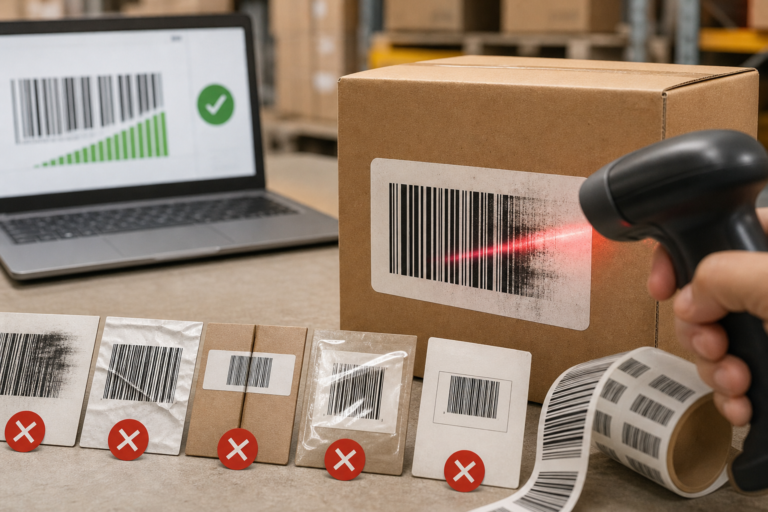
Use the barcode file supplied for the intended product identifier. Do not copy a barcode from a website, take a screenshot or enlarge a small image repeatedly. Low-quality artwork can produce blurred edges and uneven bars when printed.
Vector artwork, such as SVG, can be useful when the designer needs to place the symbol at an appropriate scale. A high-resolution PNG may also work in suitable print workflows. The important point is that the final file must preserve the barcode’s proportions and clarity.
Check three items separately:
- The 13-digit number is correct.
- The barcode image encodes that exact number.
- The finished print reproduces the symbol clearly.
A correct number does not repair poor printing. Likewise, a sharp-looking barcode image does not correct a wrong product assignment.
Plan the artwork around the barcode’s job
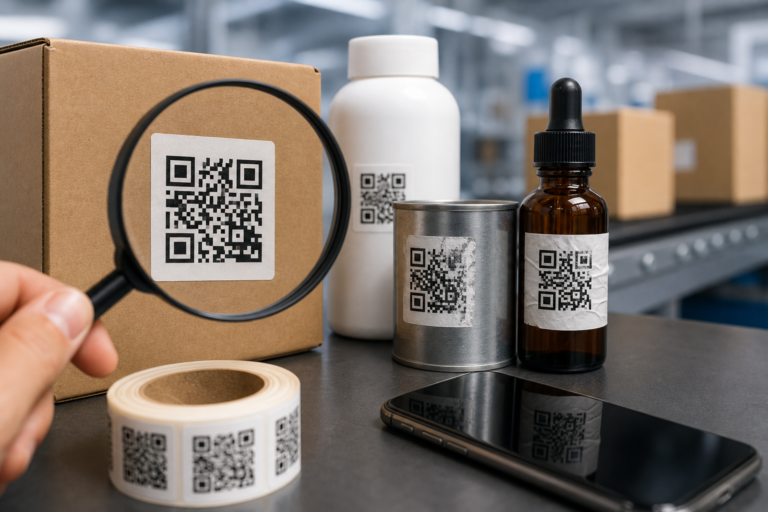
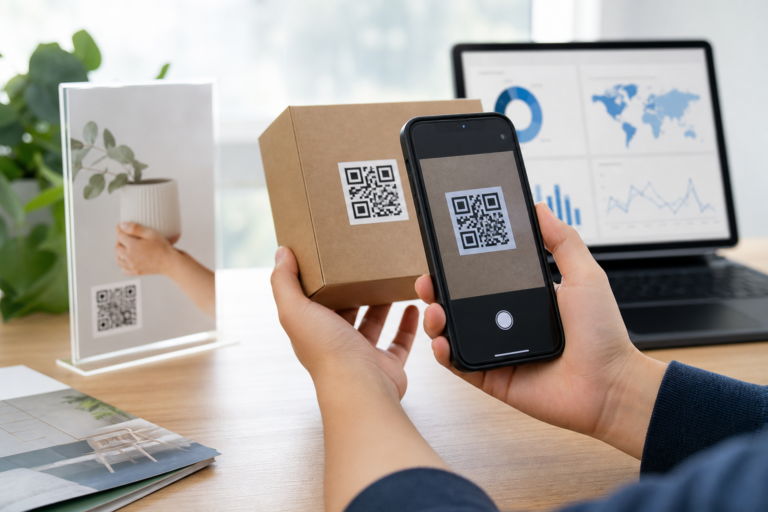
An EAN-13 barcode and a QR code may appear on the same package, but they normally serve different purposes. EAN-13 supports product identification in compatible retail, inventory or supply-chain systems. A QR code usually directs a person to digital information such as instructions, recipes, warranty registration or a product page.
Do not replace a retail barcode with a QR code simply because both can be scanned by a mobile phone. Confirm what the retailer or marketplace requires. If both codes are needed, give each one a clear purpose and enough space. Label the QR code with an instruction such as “Scan for product information” if customer action is expected.
If the QR destination may change after packaging is printed, decide before production whether a dynamic QR code is appropriate. A dynamic code can allow the destination to be updated through an active management service, but it does not correct outdated text or mandatory information printed on the package. Learn more about how dynamic QR codes work for product packaging.
Prepare a print proof before mass production
A digital proof on a computer screen is not a sufficient packaging test. Print a physical sample using the intended material, finish, size and production method. Then inspect the package as it will actually be handled.
Use this proofing sequence:
- Confirm the barcode number against the product master sheet.
- Check that the human-readable digits match the assigned number.
- Measure or review the barcode area and confirm that it has not been stretched.
- Inspect the quiet zones on both sides.
- Check contrast between the bars and background.
- Look for ink spread, broken bars, blurring or uneven density.
- Fold, seal or assemble the sample as the final package will be assembled.
- Scan the finished package with more than one suitable device or scanner.
- Test from a normal angle and distance, not only under ideal desk lighting.
A phone scan is a useful first check, but it does not support performance on every retail or warehouse scanner. For higher-risk supply arrangements, ask the retailer or buyer whether formal barcode verification is required.
Check the product record before shipment
Scanning is only one part of a successful retail process. A scanner reads the number; the connected POS or inventory system must then find the correct product record.
Before sending stock to a retailer, provide accurate product information in the format requested by the buyer. This may include the product name, pack size, variant, barcode number, product images, supplier details and other onboarding information.
If a shop says that the barcode scans but the product is not found at billing, ask for the exact digits displayed by the scanner. If the digits are correct, the issue may be that the retailer has not created, activated or synchronised the product record. Printing a new barcode may not solve that problem. See guidance on barcode scans but product not found for troubleshooting.
Common packaging mistakes to avoid
- Assigning one barcode to several unrelated products
- Using the manufacturer’s identifier on a private-label product without confirming ownership
- Printing before checking marketplace or retailer requirements
- Reducing the barcode because the artwork has no space left
- Removing the quiet zone to fit a border or graphic
- Stretching the symbol horizontally or compressing its height
- Placing the barcode over a seam, fold or sharp curve
- Testing only the designer’s PDF instead of the finished package
- Failing to record which barcode belongs to which product variant
- Assuming a successful phone scan proves universal retail acceptance
A practical packaging approval checklist
Before approving a large print run, confirm the following:
- The product, variant and pack size are final.
- The correct barcode source has been selected for the intended sales channels.
- Any GS1 requirement has been checked directly with the relevant buyer or platform.
- Each sellable product configuration is mapped correctly.
- Consumer units, multipacks and cartons have been considered separately.
- The packaging designer has reserved a suitable barcode area.
- The barcode has not been stretched, cropped or compressed.
- The quiet zones are free from text and graphics.
- The background provides strong contrast.
- The physical surface, finish and shape have been tested.
- The product record matches the barcode number.
- A production-quality sample scans successfully.
- The final artwork version is stored with the product master sheet.
Conclusion
Preparing packaging for barcode printing is primarily a coordination effort involving product management, packaging designers, printers, retailers, and inventory teams. To help ensure smooth retail and supply chain operations in Kolkata, West Bengal, and beyond, assign the barcode to the correct product and verify it meets the requirements of your intended sales channels before finalizing the artwork.
Rather than minimizing the barcode’s size or visual impact, focus on preserving the number’s accuracy, proportions, contrast, quiet zones, and physical placement to support dependable scanning. While QR codes can enhance customer engagement by linking to digital content, they generally do not replace the need for an EAN-13 barcode where retail identification is required.
Before approving mass production, create a comprehensive product-to-barcode master sheet and test a physical package printed on the intended materials. This practical step can help identify whether any issues arise from the identifier itself, the artwork, packaging surface, or retailer’s product record—allowing you to address problems early and avoid costly errors during full production.
Continue Reading: EAN-13 Guides
Explore practical guides for product identification, packaging and retail preparation.