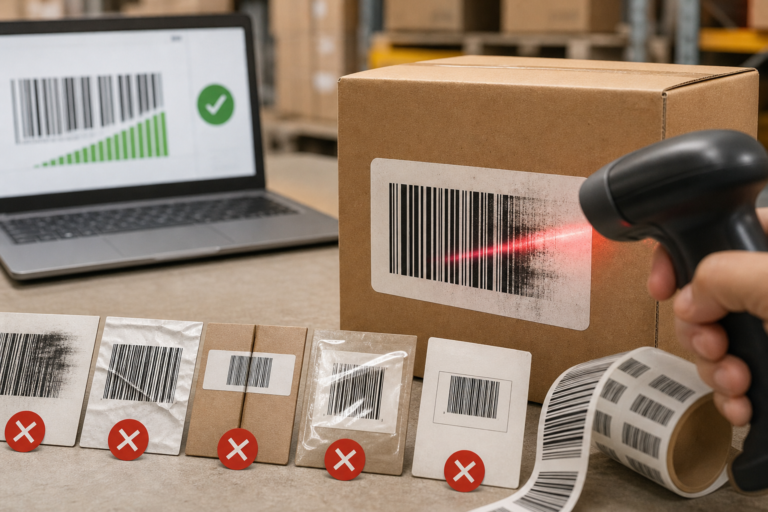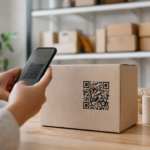
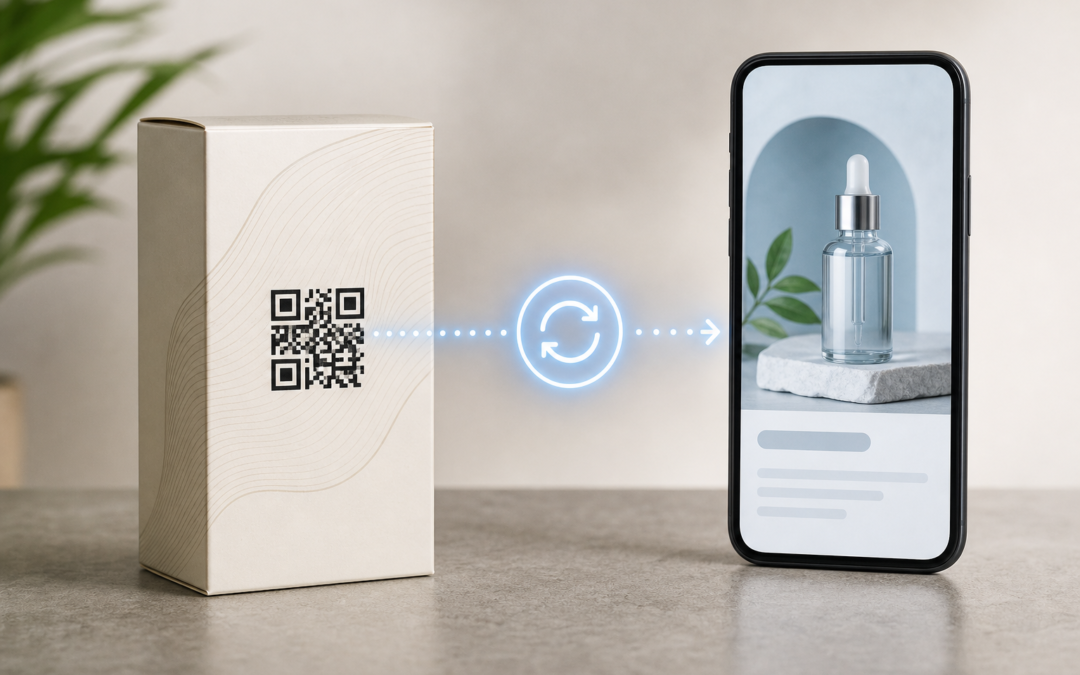
Your product packaging is already printed. Then the instruction page moves, the campaign ends, the menu changes, or your website URL is replaced. The QR code is still visible on thousands of boxes, labels or brochures—but it sends customers to the wrong place.
Many businesses assume the only answer is to reprint the packaging. That is true for an ordinary static QR code. It is not necessarily true for a dynamic QR code, because the printed pattern can point to a managed link whose destination is changed later.
The important question is not simply, “Can I edit the QR code?” It is: what kind of QR code was printed, and is the redirect service that manages it still active? Once that distinction is clear, the correct next step is much easier to choose.
Short answer: use a dynamic QR code
A dynamic QR code uses a permanent, managed web address behind the printed square pattern. When a customer scans it, the managed address redirects the visitor to the destination you have selected.
If the destination changes, you update the target webpage in the QR management platform. The QR pattern already printed on the packaging does not need to change because the managed link remains the same.
For example, suppose a food brand prints a QR code on 10,000 packets that initially leads to:
- An ingredients or product-information page
- A preparation guide
- A product registration form
- A seasonal campaign page
Later, the brand can change the destination to a revised guide or another relevant page, provided the QR is dynamic and the management service remains available.
Static and dynamic QR codes: the difference that matters
The visual appearance of a static and dynamic QR code may be similar. The difference is in what the code contains and how the destination is handled.
| Type | How it works | Can the destination be changed after printing? |
|---|---|---|
| Static QR code | The final website address is encoded directly into the printed pattern. | Generally no. A different destination requires a new QR code and usually a new print. |
| Dynamic QR code | The printed pattern contains a managed redirect address that sends visitors to your current destination. | Yes, through the relevant QR management account while the service is active. |
A static code is not defective because it cannot be edited. It was simply designed for a fixed destination. A dynamic code adds a management layer between the scan and the final webpage.
This is why you should decide the QR type before approving packaging artwork. Trying to convert an already printed static code into a dynamic one is not the same as editing a dynamic destination.
How to check whether your printed QR code is dynamic
If you do not know which type was used, check the code before ordering replacement packaging. You can do this in a few practical ways.
- Scan the code and inspect the address. If the scan opens your final website address directly, it may be static. If it first uses a branded or platform-managed address and then redirects, it may be dynamic. This is a useful clue, not a complete technical test.
- Look at the original QR account. Search for the QR name, destination URL, redirect link or download record in the platform where the code was created.
- Check the artwork or project files. The designer may have received a permanent QR link rather than the final webpage URL.
- Ask the person or supplier who generated it. Confirm whether the code was created as a dynamic QR link and where it is managed.
- Check service status. A dynamic code may stop redirecting if the account, plan or service connected to it is paused, expired or otherwise unavailable.
Do not assume that every QR code generated online is dynamic. Many free QR generators create static codes, even when the website uses the word “editable” elsewhere.
How to change the destination of a dynamic QR code
The exact button names vary between platforms, but the process normally follows this sequence:
- Sign in to the QR management dashboard.
- Open the list of active or saved QR codes.
- Identify the code used on the packaging. Use a meaningful name such as “500 g Masala Product Guide” rather than relying on a random file name.
- Open its edit controls.
- Replace the old destination URL with the new webpage address.
- Save the change.
- Scan the printed QR code from the physical packaging and confirm that it now opens the intended page.
For example, a printed code may continue to use the same permanent managed link while the destination changes from /guide-v1 to /guide-v2. Customers scanning the old packaging can then reach the revised page without seeing a newly printed QR pattern.
In NovoBarcode QR Studio, the documented workflow is to open the existing QR code, edit the Destination URL and save the changes. The platform guide also explains that the permanent QR link remains the same when the destination is updated. See the dynamic QR code user guide for the account workflow.
What you can change—and what you cannot
A dynamic QR code normally lets you change the webpage reached after scanning. It does not change every part of your packaging or product system.
You can usually change
- The webpage URL behind the QR code
- A product guide, instruction page or support page
- A menu or ordering page
- A campaign or registration page
- The destination used by future scans of the existing printed code
You cannot change through the redirect alone
- The physical QR pattern already printed on the package
- Text, claims, ingredients or legal information printed on the packaging
- A product barcode such as EAN-13
- The customer’s copy of an old brochure or label
- A static QR code’s embedded destination without producing a different code
This distinction matters for regulated or safety-sensitive information. If the packaging contains outdated mandatory information, changing a QR destination does not correct the printed text. It only changes where the scan leads. Review packaging and regulatory requirements separately before relying on a digital update.
When updating the destination is the right solution
Changing the destination is most useful when the printed QR code still serves the same broad customer purpose but the online content has moved or improved.
Consider these examples:
- Product instructions: A manufacturer replaces a short instruction page with a mobile-friendly version containing clearer steps and a video.
- Seasonal campaign: A QR code printed on a festive gift pack originally leads to a Diwali offer. After the campaign, it is moved to a general product page or customer-support page.
- Restaurant menu: A café keeps the same QR printed on table cards while updating the online menu for new dishes or changed availability.
- Warranty or registration: A business changes the form provider or moves registration to a new page.
- Technical documentation: An industrial supplier replaces an outdated PDF with a current manual or specification page.
The destination should remain relevant to the person who scanned the code. Redirecting a customer from a product label to an unrelated home page may avoid a broken link, but it creates a poor experience and makes the QR less useful.
When changing the destination is not enough
There are situations where the QR link update solves only part of the problem—or does not solve it at all.
The QR code is static
If the final URL is encoded directly into a static code, changing the webpage on your website does not change the address stored in the QR pattern. You may be able to keep the old URL active and redirect that webpage to a new page, but this depends on access to the old domain and URL. If the old address cannot be maintained, the printed static code cannot be edited remotely.
The managed service is inactive
A dynamic QR code depends on the service that handles the redirect. If the relevant account or plan is inactive, the code may not work as expected. Check the current service status, subscription conditions and renewal process before printing more materials.
The new page is not ready
Changing a destination to an unfinished page creates a different problem. A QR code may scan correctly but still lead to missing content, a login wall, a slow page or a page that does not work properly on mobile.
The physical packaging has a separate error
If the printed QR is too small, blurred, distorted, low-contrast or damaged, updating the destination will not improve scanability. Test the physical code, not only the online dashboard preview.
The packaging contains an obsolete claim
A digital page cannot correct a wrong printed claim, incorrect quantity or outdated mandatory label information. A replacement label or packaging decision may still be required.
Test the new destination before changing it for every scan
A destination update can affect every customer who scans that code, so treat it as a small release rather than a casual URL edit. Use this check before and after saving:
- Open the new URL directly on a mobile phone.
- Check that the page loads without requiring an unnecessary login.
- Confirm that the content matches the product or printed campaign.
- Check the page on mobile data as well as Wi-Fi.
- Scan the actual printed QR code from the package, label or brochure.
- Test more than one phone if the packaging is already in circulation.
- Check that the redirect does not create repeated loops or a browser warning.
- Record the date, old destination and new destination in your product or campaign file.
For a product label, also test the code at the distance and angle customers are likely to use. A code that scans on a large monitor may behave differently when printed small on a curved bottle or glossy pouch.
How to plan QR destinations for packaging
The best time to prevent a reprint problem is before the first print run. Add QR planning to the packaging approval process.
- Define the job of the scan. Is it for instructions, product information, registration, support, a menu or a campaign?
- Choose static or dynamic deliberately. Use a static code when the destination is stable and you do not need management. Consider a dynamic code when the content may change after printing.
- Use a durable content location. A useful product page or support destination is usually safer than a short campaign URL that will be abandoned quickly.
- Name and document each code. Keep the QR name, printed use, destination, owner and status in a simple spreadsheet.
- Keep access under business control. Do not let the only login, email address or billing access belong to a temporary designer or former employee.
- Test the printed sample. Confirm scanability before approving the full packaging quantity.
The QR code should complement—not replace—any retail product barcode required by your sales channel. An EAN-13 barcode is used for product identification in compatible retail or inventory systems, while a QR code commonly connects a person to digital information. A QR code is not automatically a substitute for an EAN-13 barcode. The EAN-13 versus QR code guide explains the difference in practical packaging terms.
What happens if the old QR code is already printed?
Use this decision rule:
| Your situation | Most sensible next step |
|---|---|
| Dynamic QR code and active management access | Edit the destination, save it and test the printed code. |
| Dynamic QR code but service appears inactive | Check the account, plan and redirect status before changing packaging. |
| Static QR code and old URL still under your control | Keep the old URL live and redirect it to the new relevant page, if technically suitable. |
| Static QR code and old URL cannot be controlled | Use a new QR code and consider relabelling, over-stickers or reprinting. |
| QR scans but the page is wrong or outdated | Fix the destination content or redirect logic; do not immediately replace the printed pattern. |
| QR does not scan reliably | Investigate size, contrast, quiet space, print quality, curvature and damage. |
An over-sticker can sometimes be a practical short-term answer for stock that has not yet reached customers, but it changes the packaging appearance and must itself be tested. For stock already sold or distributed, a working dynamic redirect is usually less disruptive than recalling or replacing every printed unit—provided the new destination is accurate and the service remains active.
Conclusion
You can update a QR code destination without reprinting packaging when the printed code is dynamic and its redirect service is still active. In that situation, the physical QR pattern stays unchanged; you edit the destination webpage in the management dashboard and test the result on the actual package.
If the code is static, the answer depends on whether you still control the original URL. A server-side redirect may preserve some old packaging, but it is not the same as editing the QR code itself. If neither the code nor the old URL can be managed, a new printed code may be necessary.
Before your next packaging run, record every QR code and its destination, decide whether the content is likely to change, and test a production-quality sample. That small decision made before printing can prevent a much larger packaging problem later.
Continue Reading: EAN-13 Guides
Explore practical guides for product identification, packaging and retail preparation.